AI Photo Editing for Real Estate Listings
Fix lighting, replace skies, remove clutter, correct perspective, and more. AI photo editing built for real estate listings. From $5 / photo, results in 45 seconds.
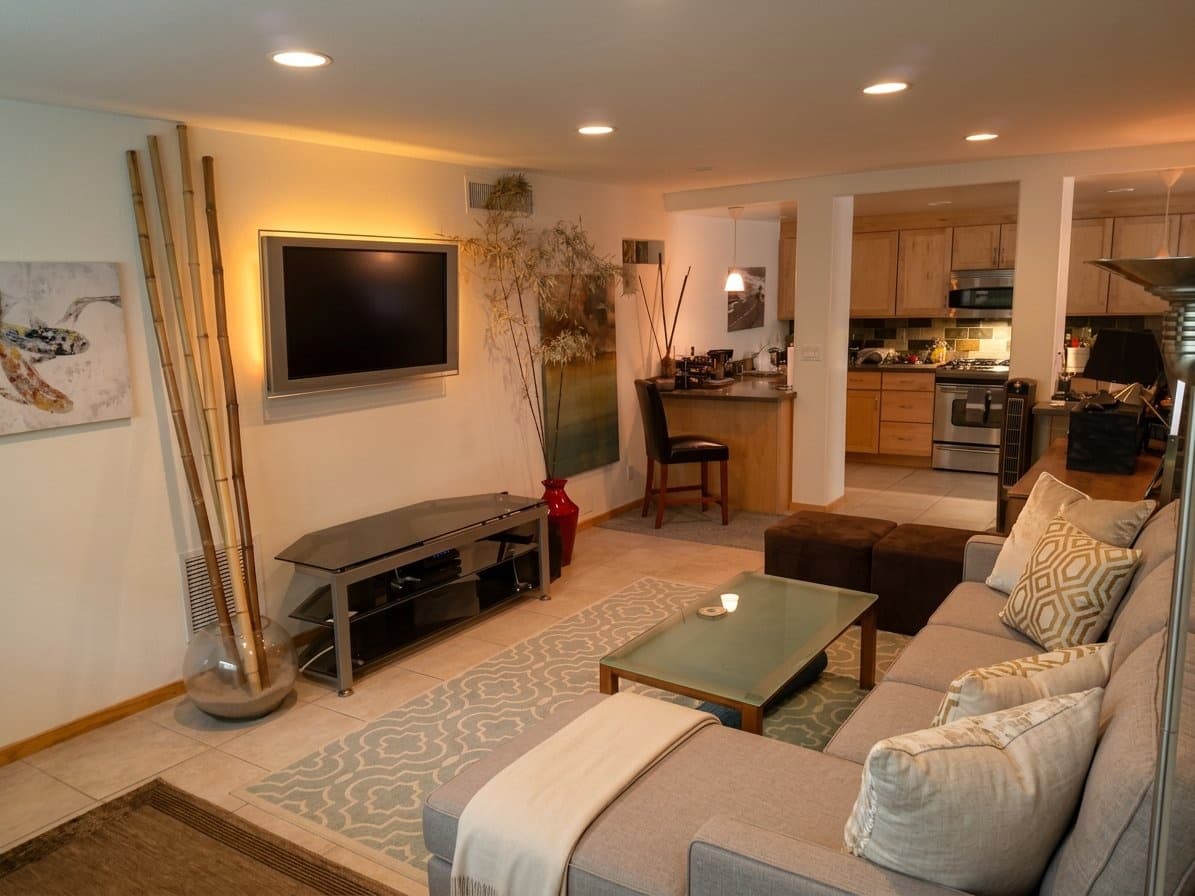
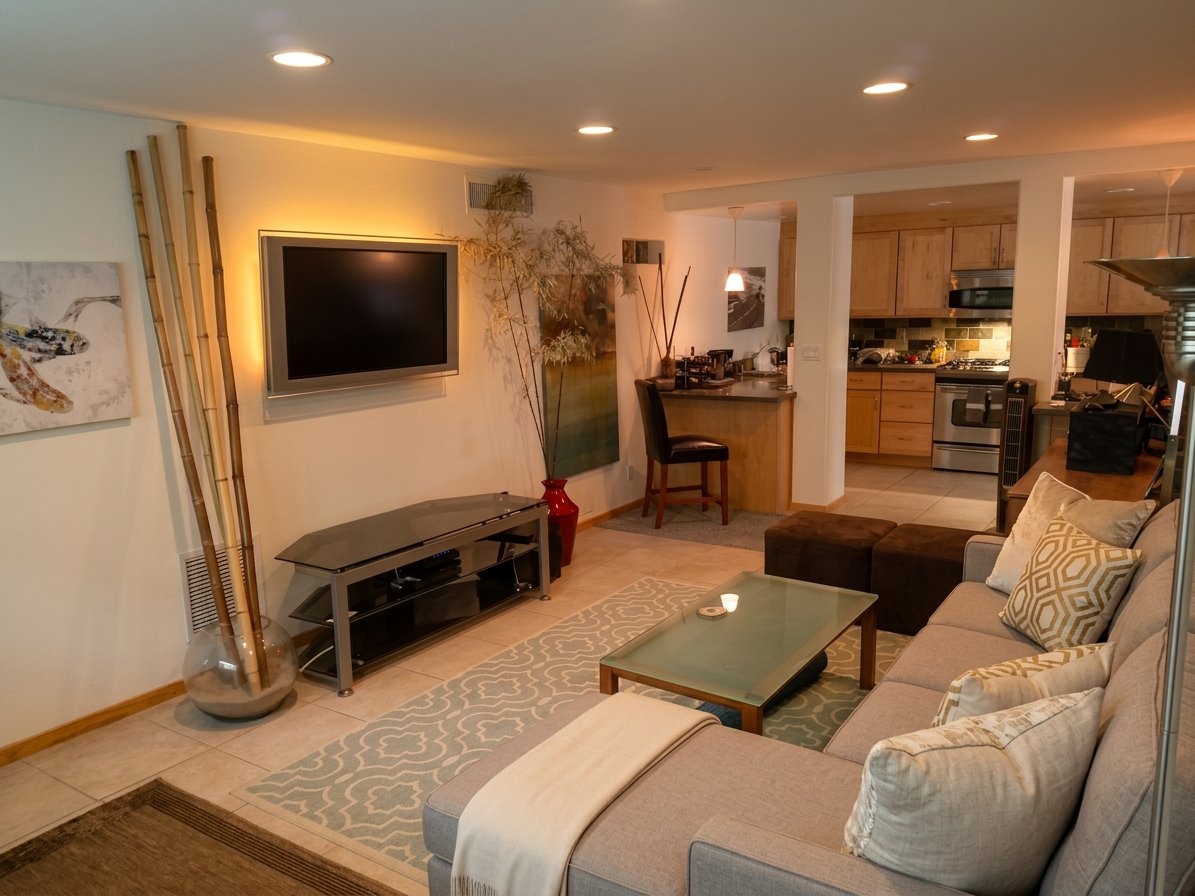
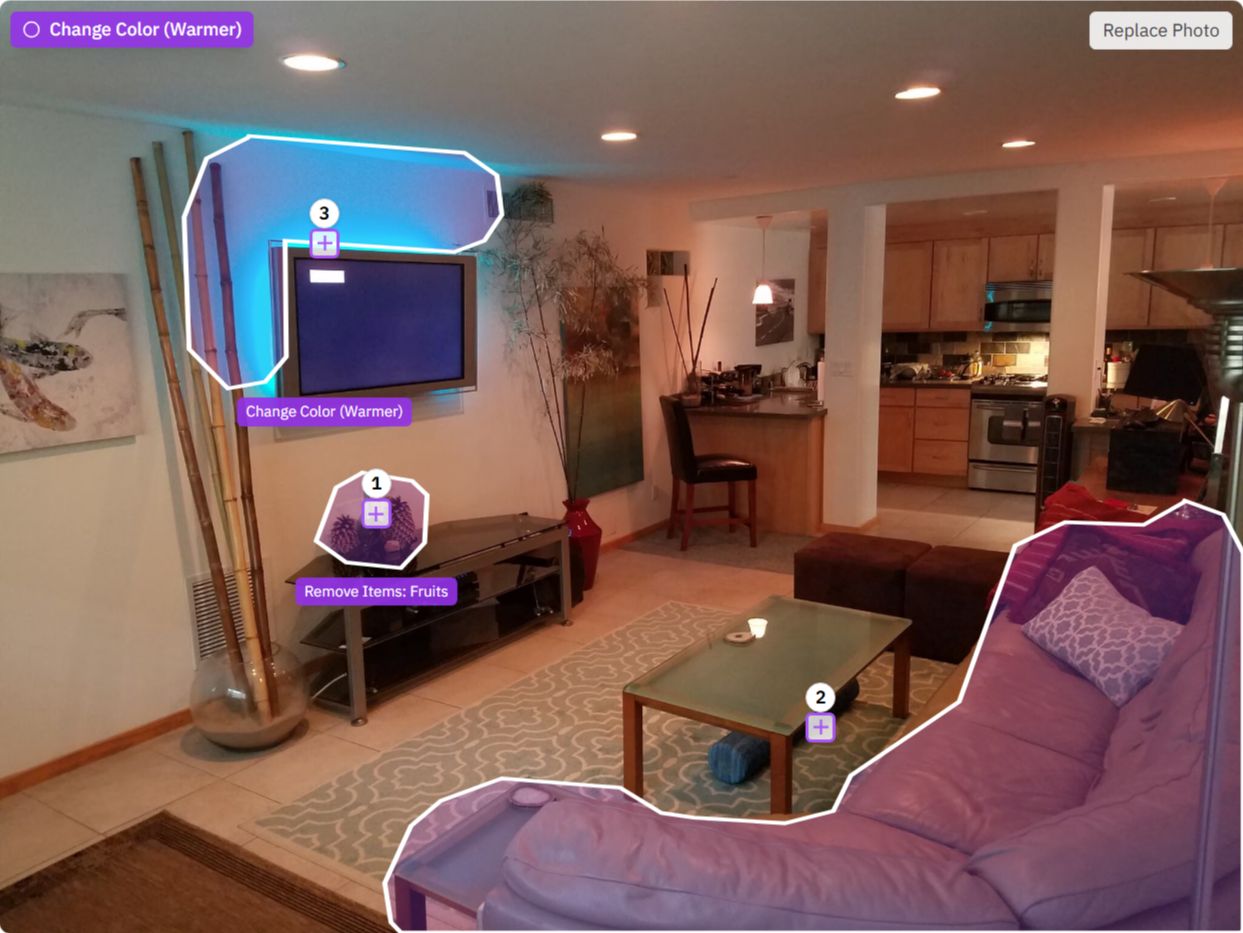






Professional photo editing, powered by AI
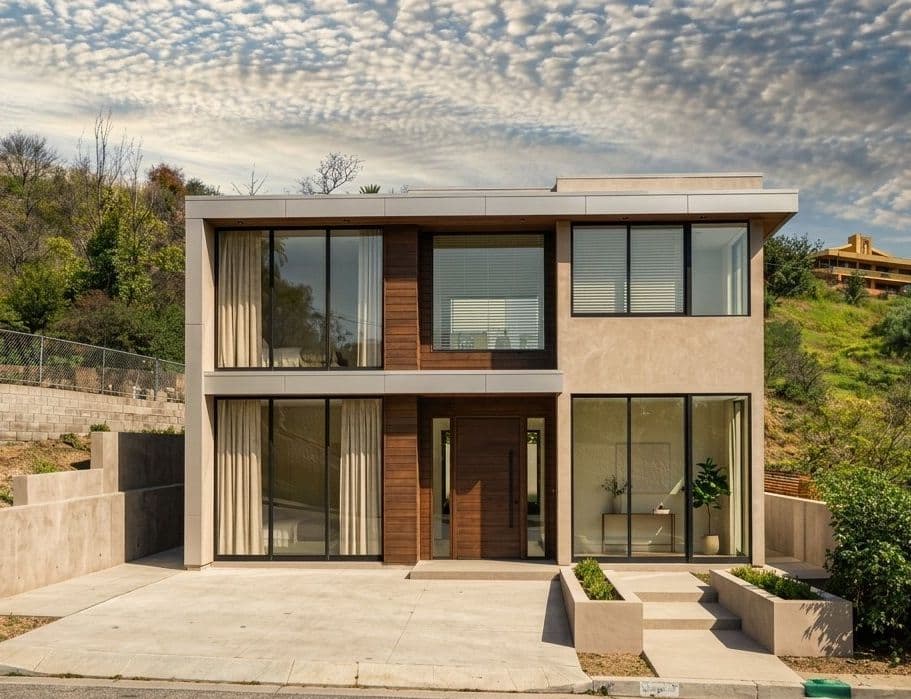
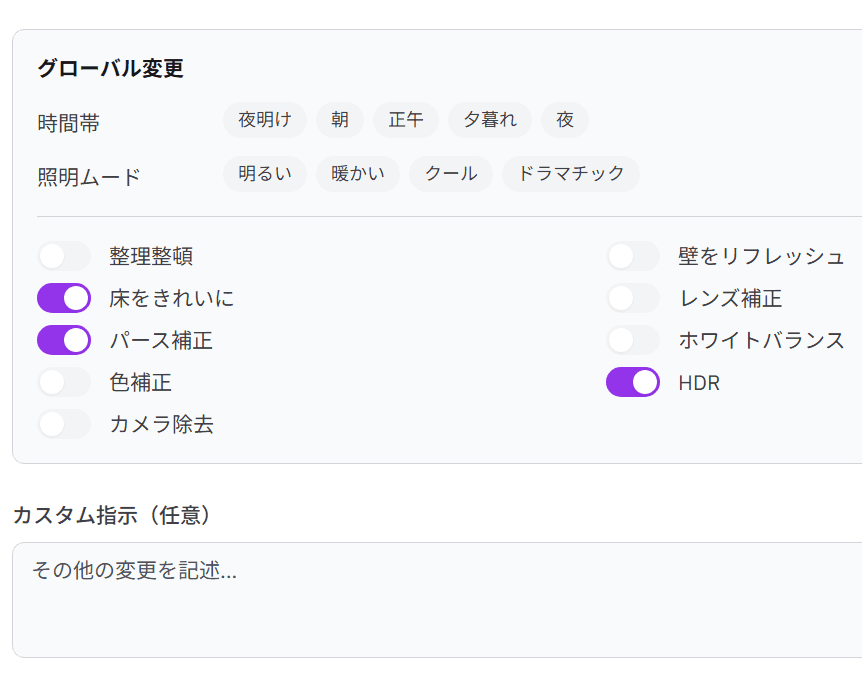
Lighting & Atmosphere
Replace overcast or blown-out skies with natural blue skies. Apply HDR. Change the time of day, adjust lighting mood, or convert a daytime exterior to twilight. The AI matches the replacement to the angle and conditions of your original photo.
Cleanup & Corrections
Remove objects, clutter, cars, bins, and personal items. Refresh walls, clean floors, fix lens distortion, correct perspective, adjust white balance, color correct, and remove camera reflections. Sharpen and increase resolution for print-ready output.
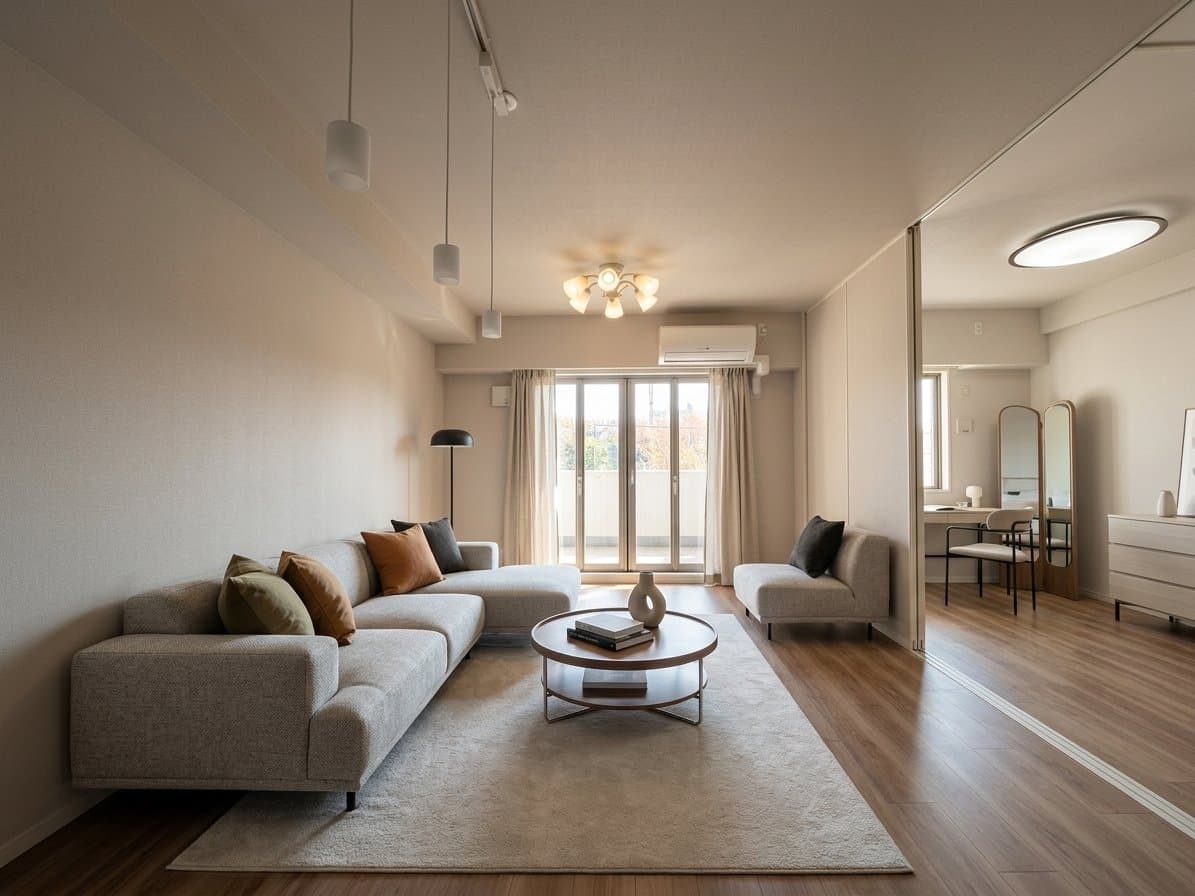
Interior Styling
Add furniture and decor, change the style, material, or color of existing items, and fix proportions. Works on real photos and on AI-generated staging outputs - useful for point adjustments after virtual staging.
What Photo Editing Actually Costs
Side-by-side with outsourcing to a professional editor.
| Metric | Photo Editing AI | Professional Editor |
|---|---|---|
| Cost per photo | From $5 | $30 - $150 |
| Turnaround | ~45 seconds | 1–2 business days |
| Revisions | 8 per photo included | Extra cost per round |
How It Works
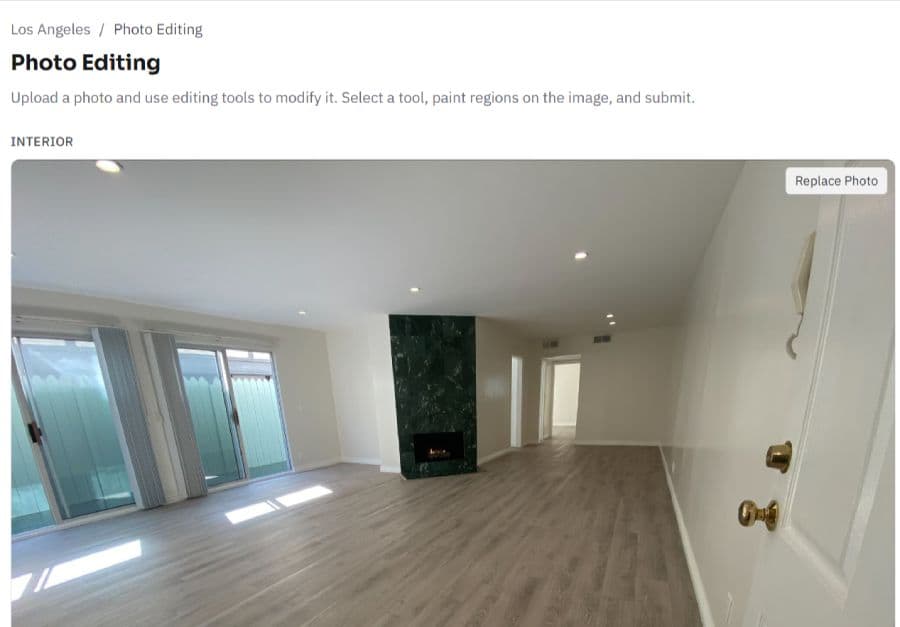
Step 1 - Upload Your Photo
Upload any real estate photo - interior or exterior. We accept JPG, PNG, and HEIC files up to 10Mb.
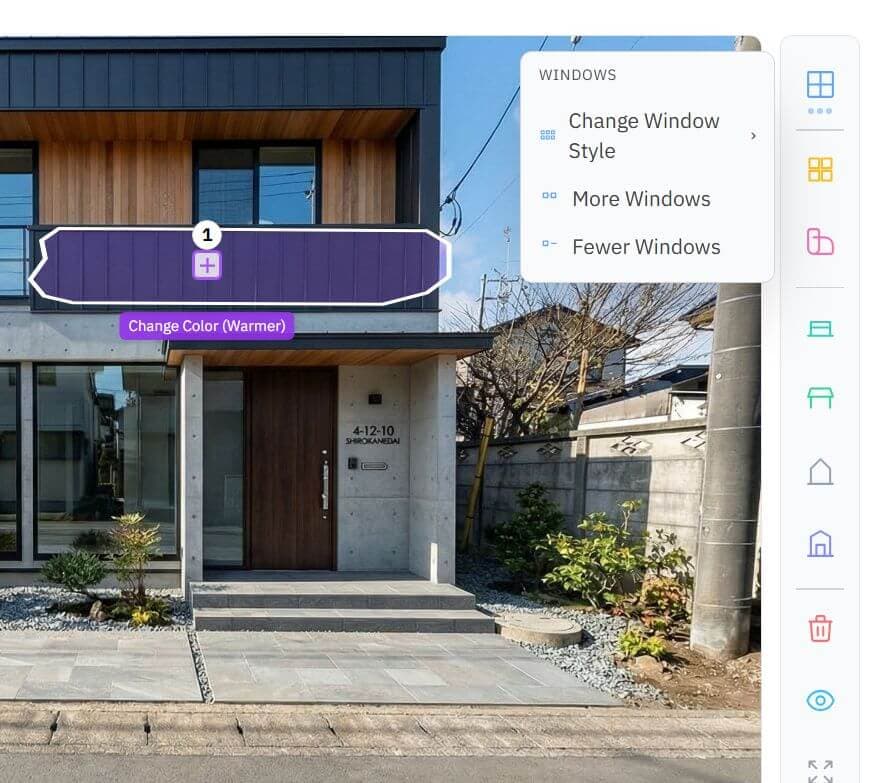
Step 2 - Choose Your Edits
Select from the full edit menu or describe what you need in plain text. Combine multiple edits - sky replacement, object removal, perspective correction - in a single request. Each photo uses one credit regardless of how many edits are applied.
Step 3 - Download and Use
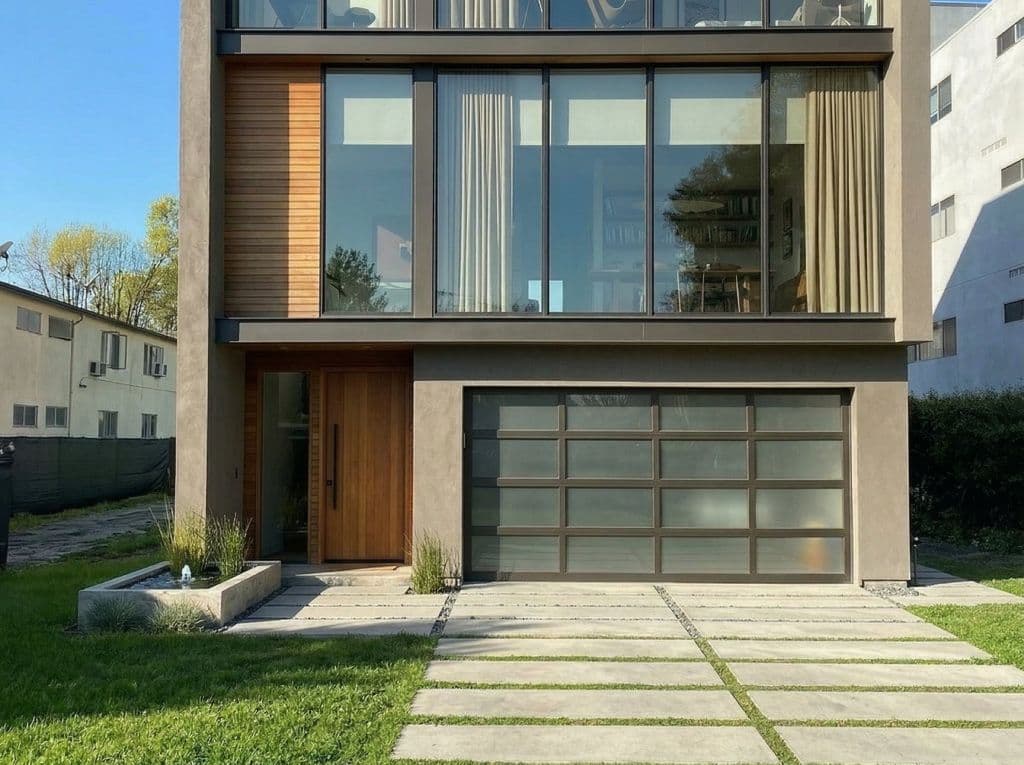
Your edited photo is ready in about 45 seconds. Download in high resolution, ready for listing platforms, print materials, and social media. Each credit includes up to 8 revisions on the same photo.
Frequently Asked Questions
Who is this for?
Real estate agents and property managers who need listing photos edited quickly without outsourcing to an editor or learning Lightroom. Also useful for real estate photographers who need fast turnaround on standard corrections - sky replacement, perspective correction, object removal - without processing each image manually.
What file formats are supported?
We accept JPG, PNG, and HEIC input files up to 10Mb. Output is delivered in high-resolution JPG.
Can I combine multiple edits in one request?
Yes. You can apply HDR enhancement, sky replacement, object removal, perspective correction, and other edits in a single pass. The AI processes all edits together for a cohesive result. Each photo uses one credit regardless of how many edits are applied.
What does one credit get me?
One credit covers a single photo with up to 8 revisions - different edit combinations, adjustments, or corrections on the same image. You're not charged per edit or per revision, only per photo.
How does this compare to editing manually in Lightroom?
The AI handles corrections that would take 15–30 minutes per photo in Lightroom - without requiring any editing skills or software. For standard listing photo work (exposure, sky, cleanup, corrections), results are comparable to professional retouching and delivered in 30 seconds.
Can I use this to refine AI-generated virtual staging?
Yes. The interior styling tools - adding or adjusting furniture, changing materials or colors, fixing proportions - work on AI-generated images as well as real photos. It's the recommended workflow for point adjustments after virtual staging.
What objects can be removed?
Cars, trash bins, power lines, personal items, lawn equipment, construction materials, moving boxes, and camera reflections. The AI works best with objects that have a clear background behind them.
Can it fix very dark or overexposed photos?
HDR enhancement can recover significant detail from underexposed photos - brightening shadows, balancing highlights, and correcting color. Extremely dark photos where no detail is visible will have limited improvement. For best results, start with a photo where basic room features are visible.
What resolution is the output?
High-resolution JPG suitable for listing platforms, print materials, and social media. Resolution sharpening is available as an edit option for photos that need it.
Every Listing Photo, Ready to Publish
Professional-quality edits in 45 seconds. No software, no outsourcing, no waiting.