Virtual Staging AI - From unusable photos to professional listings
Upload your photos, choose a style, and get a listing-ready photo in seconds. AI that preserves your room's real architecture - with point editing to adjust it until it's right.
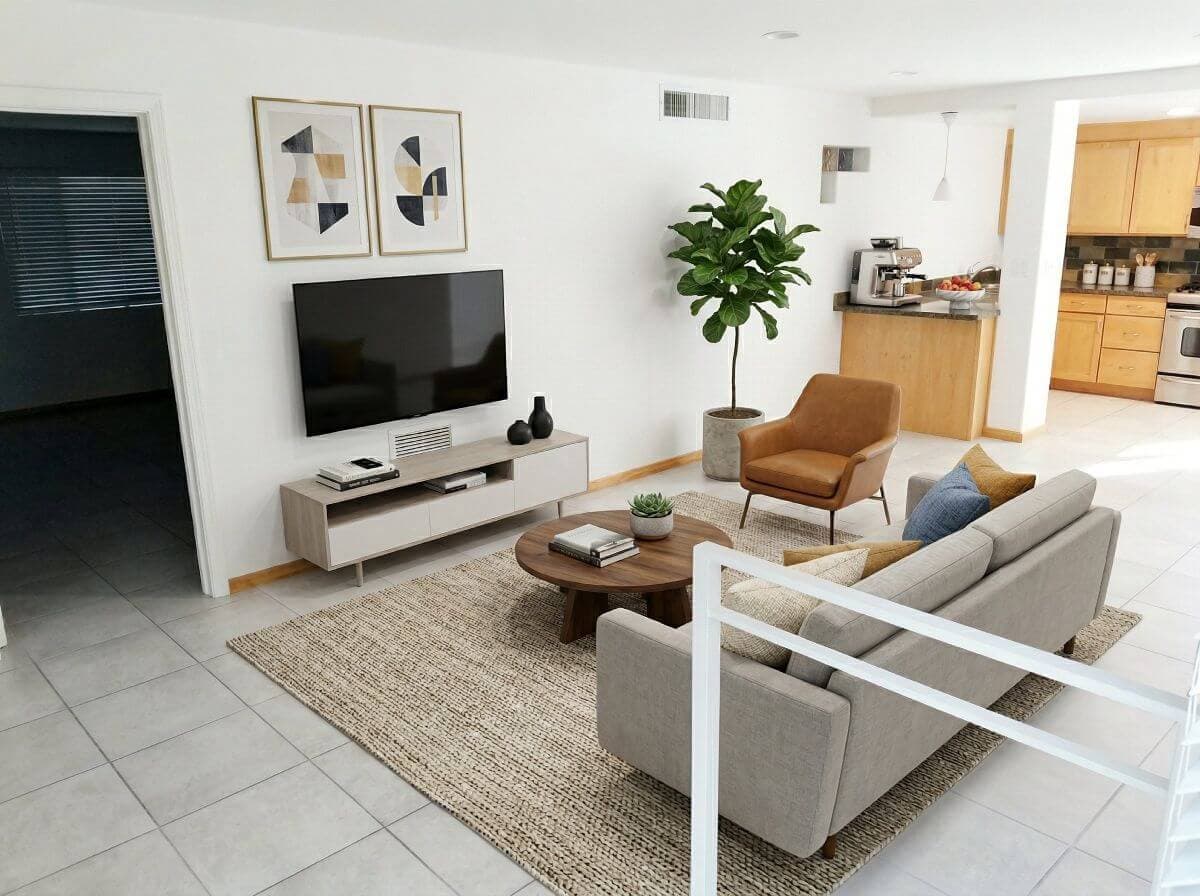
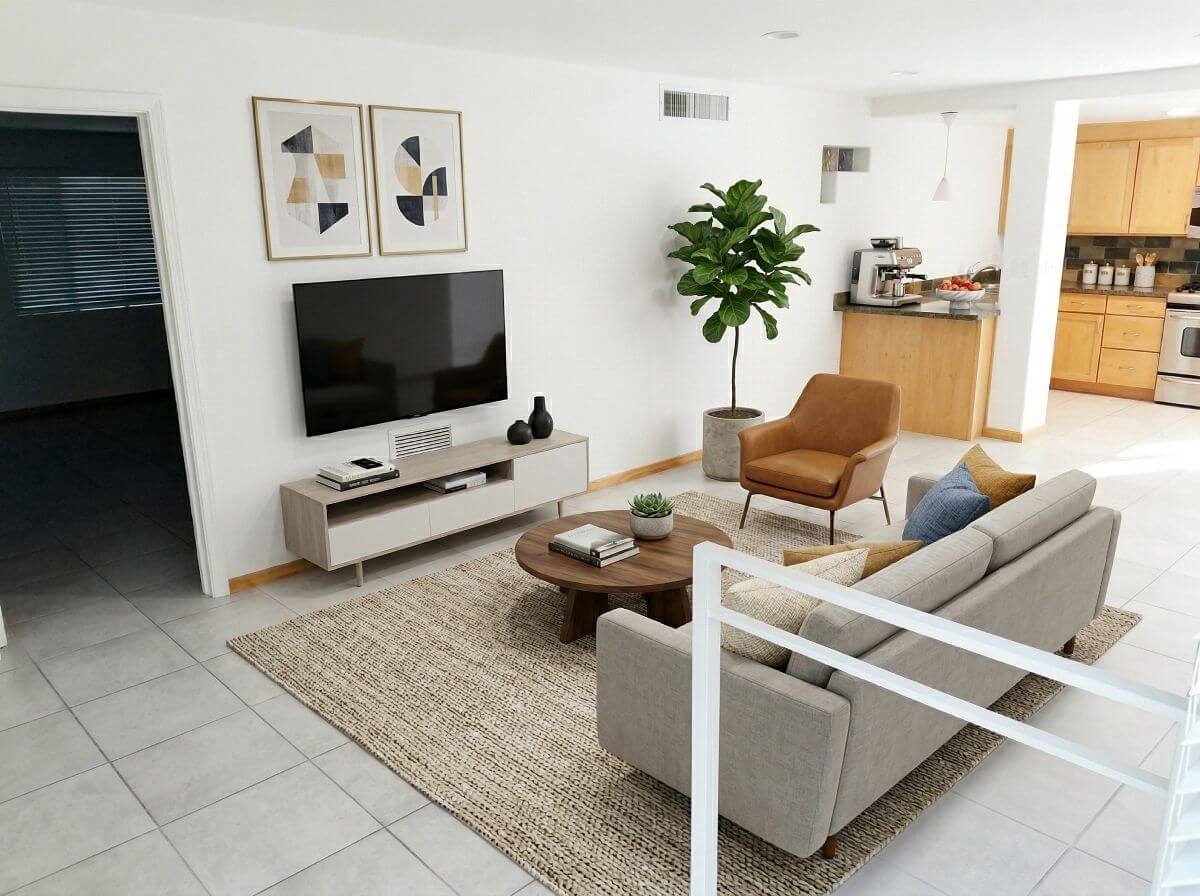
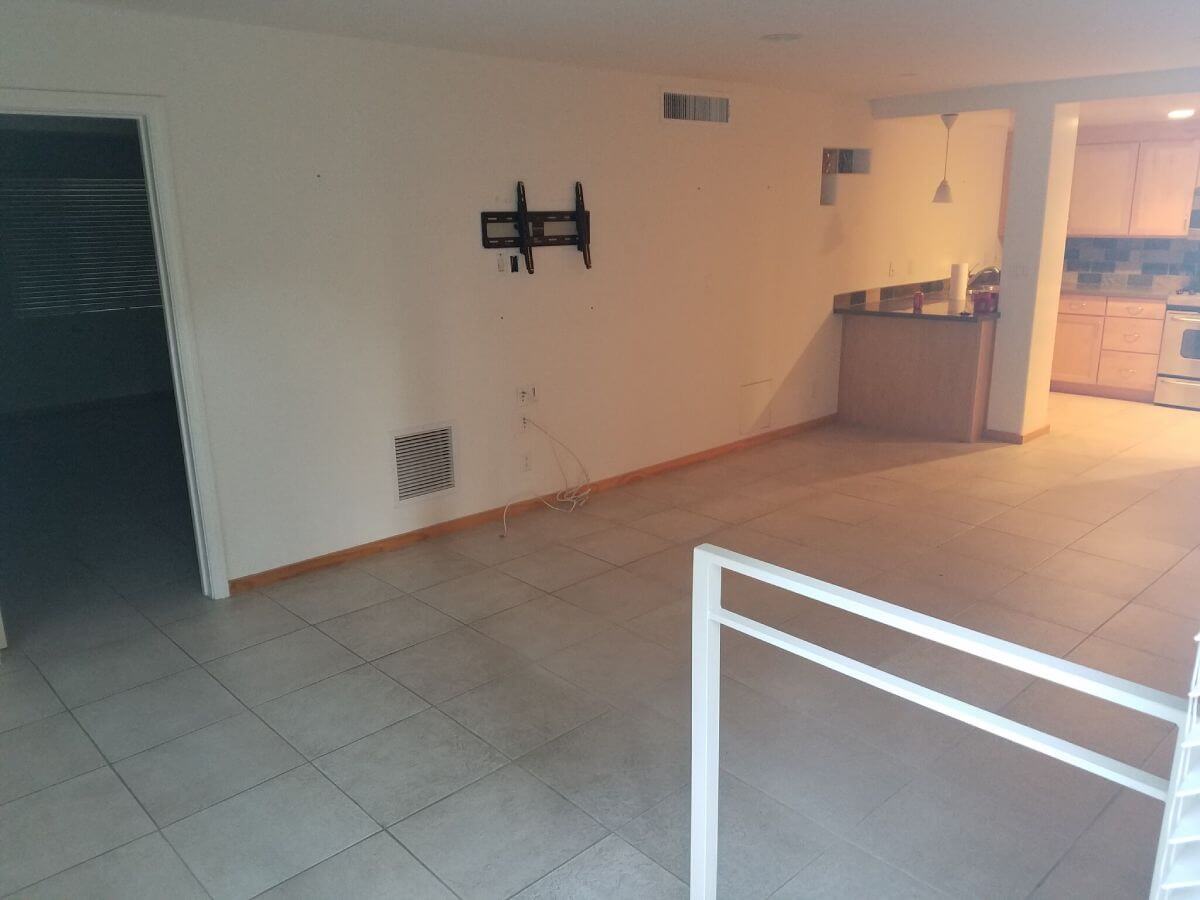






What Sets Our Virtual Staging Apart
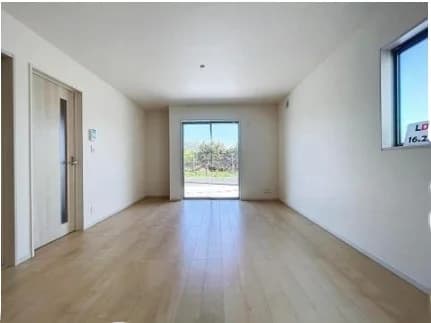
Architectural Preservation
Our AI staging pipeline locks walls, windows, fixtures, and architectural features in place. Only furniture and styling change - the room itself stays structurally identical to the original photo.
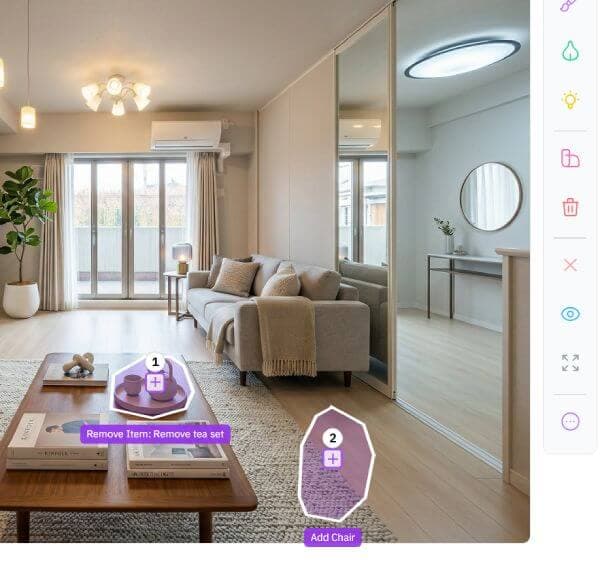
Point Editing
Need to make changes? Replace individual furniture items, swap materials, or adjust placement without regenerating the entire image. Refine until every detail is right.
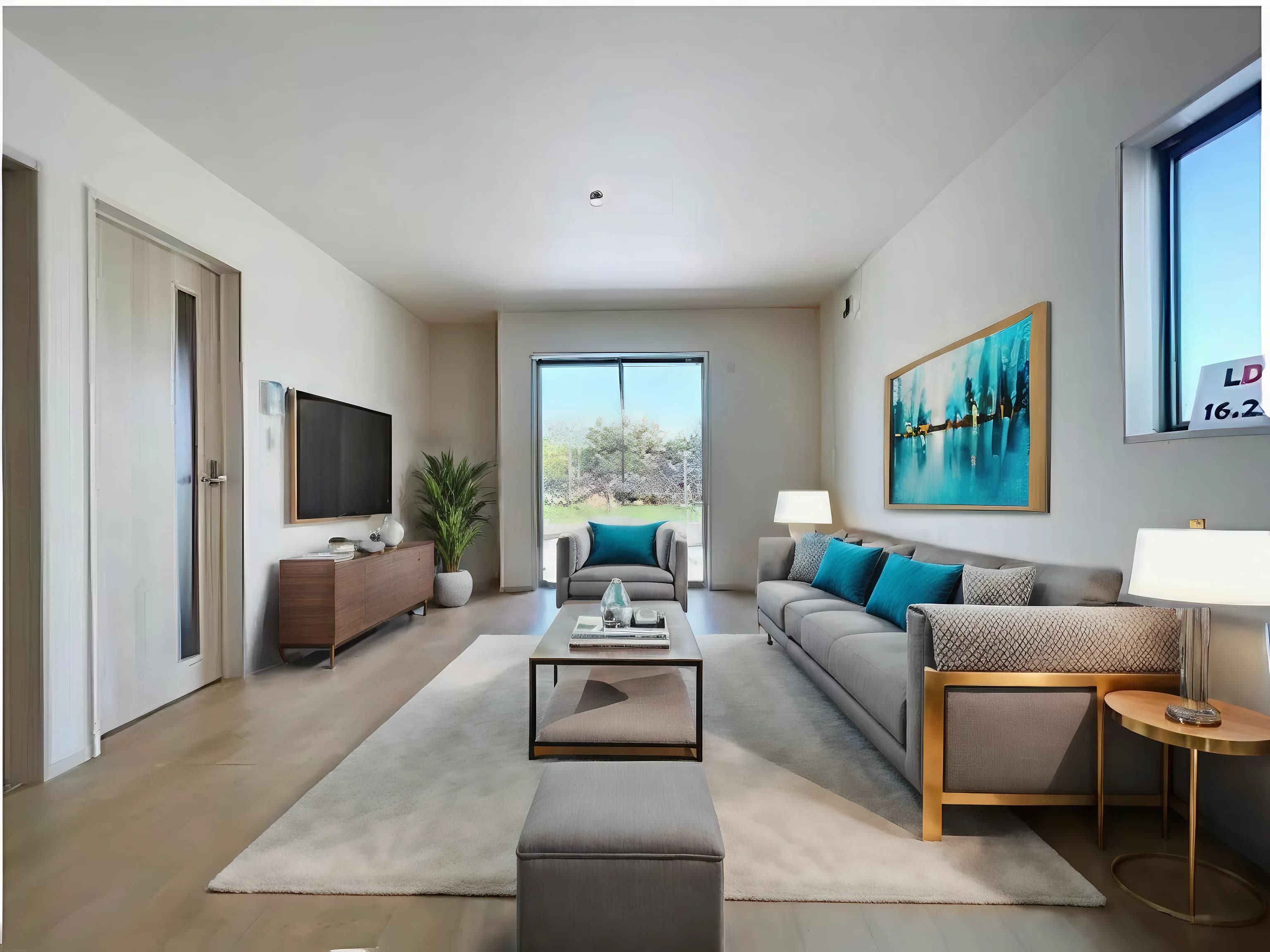
Declutter and Stage
Listing an occupied property? Remove existing belongings and stage for listing in a single workflow, no need to wait for the tenant to move out.
95% less than traditional staging
Why pay thousands when AI delivers the same impact in seconds?
| Metric | Physical Staging | Manual Virtual Staging | Virtual Staging AI |
|---|---|---|---|
| Cost | $2,000 – $5,000 | $100 - $250 | From $6/photo |
| Turnaround | 2–3 weeks | 2-3 days | 45 seconds |
| Style Changes | Signifcant cost per change | Few revisions included | 8 revisions per credit included |
“Start with 3 free credits”
Start staging for freeStage a Room in 3 Simple Steps
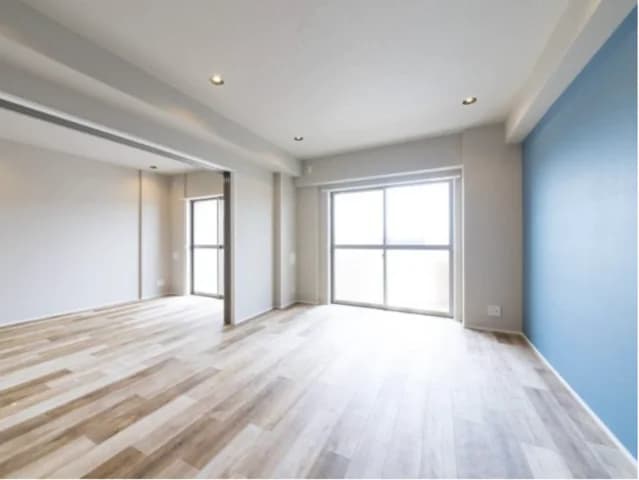
Upload Your Photo
Take a photo of any room, empty or occupied, and upload it. We accept JPG, PNG, WEBP and HEIC files up to 10Mb in size.
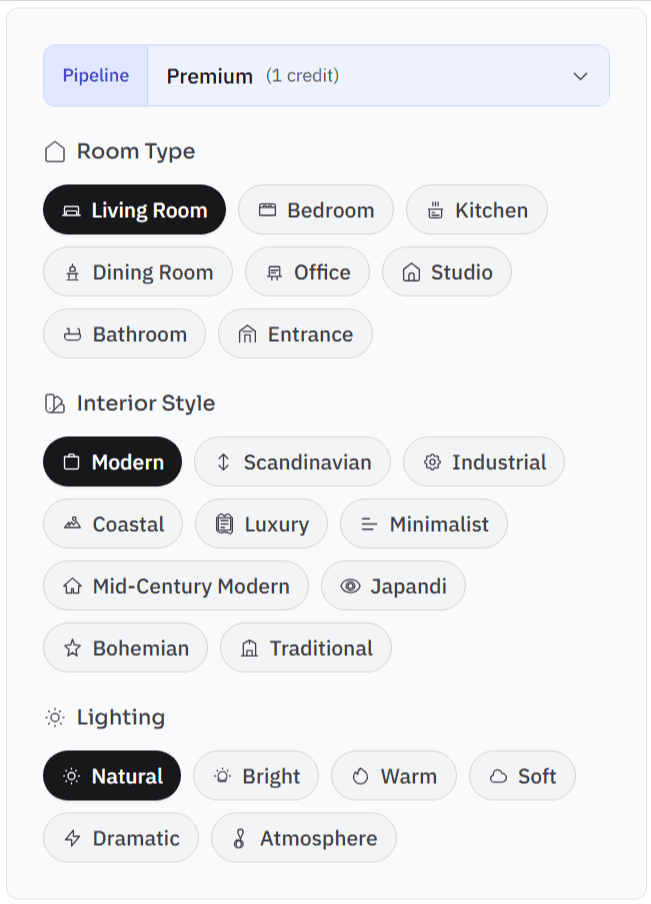
Declutter & Pick a Style
Declutter the room first if needed, then select from a variety of staging styles. You can also provide custom instructions via text input for the AI model to follow.
Refine and Download
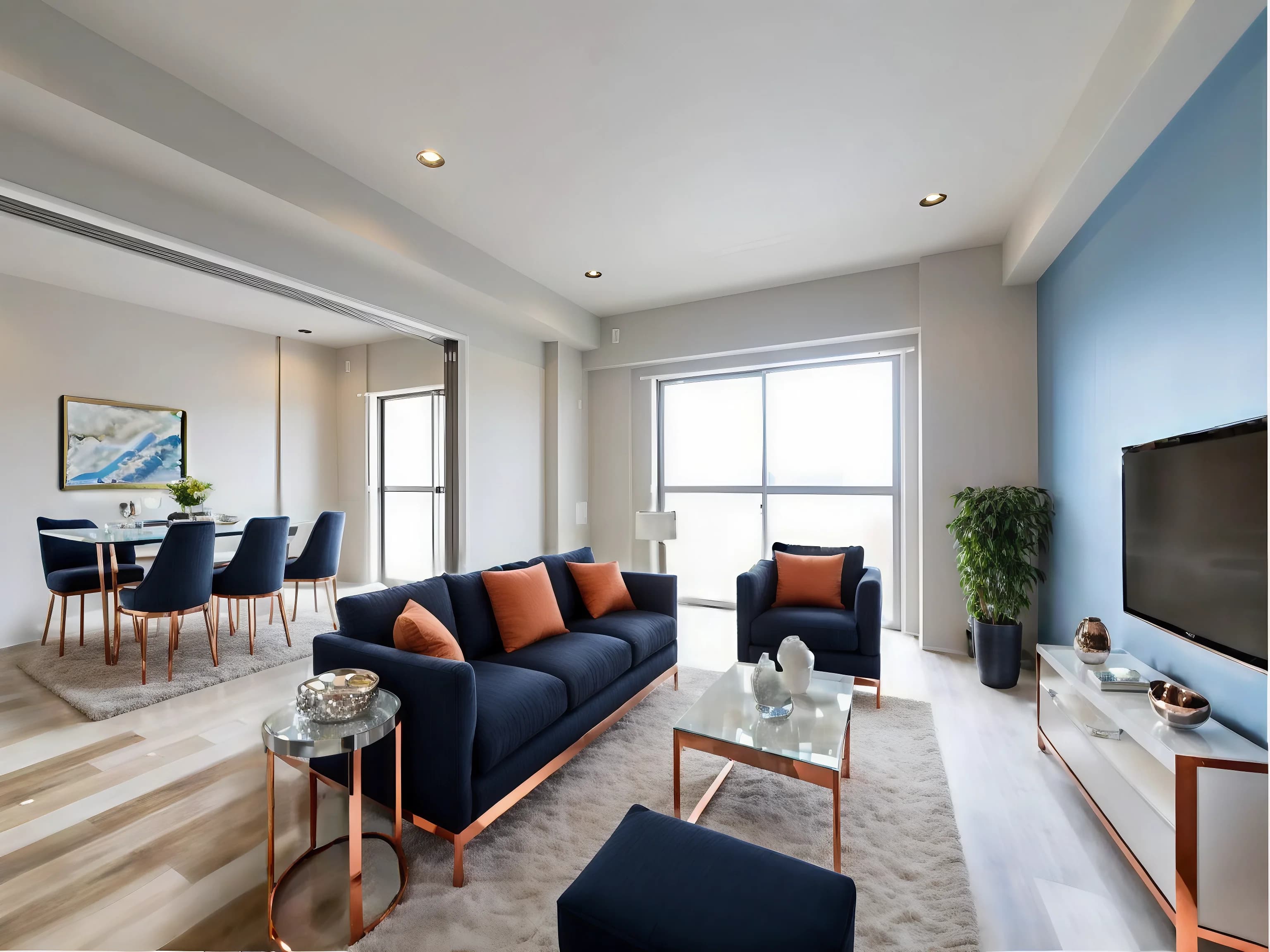
Get your result in under a minute. Swap individual furniture pieces, adjust the layout, or try a different style entirely. Download in full resolution, ready for MLS, SUUMO, Zillow, or any listing platform.
What agents are saying
“I staged an entire 4-bedroom listing in under 5 minutes. The buyers couldn't believe the rooms were empty — they made an offer the same day.”

“We used to spend $3,000+ staging each property. Now my team stages every listing for a fraction of the cost. It's completely changed our marketing budget.”

“My clients love that I can offer staging as an add-on service. I upload the empty room shots and deliver staged versions same-day. It's a huge differentiator.”

Frequently Asked Questions
How realistic / accurate is the virtual staging?
Our AI produces photorealistic results that are virtually indistinguishable from real staging. Our architectural AI maintains very high structural integrity - walls, windows, and room dimensions stay intact. The output passes MLS compliance checks and is used by thousands of agents on major listing platforms.
Can I stage a room that already has furniture?
Yes. Our declutter feature removes existing furniture and belongings from the photo, then stages the room with new furniture in one workflow. This is especially useful for occupied properties — you can create listing-ready staged photos without waiting for the current tenant to move out.
Can I edit individual pieces of furniture after staging?
Yes. After staging, you can select any individual piece of furniture and replace it, remove it, or swap its style — without regenerating the entire image. This gives you precise control over the final result. Full regeneration with a completely different style is also available.
Will buyers be disappointed when they see the empty room?
Virtual staging is an industry-standard marketing tool, just like professional photography. Most MLS platforms require a disclosure that the images are virtually staged. Buyers understand this and appreciate seeing the potential of the space. NAR data shows staging helps 83% of buyers visualize their future home.
How fast are the results?
It takes around 45s to generate a high-fidelity staging photos. Complex rooms or very high-resolution images may take up to 60 seconds. You can queue multiple rooms for staging.
What is your refund policy?
Used credits are non-refundable, as we incur AI costs for each use. However, if you are unable to achieve the quality you need, please reach out and we'll try to get you there.
For subscriptions, we provide a 7-day money-back guarantee if you're not happy with the results, and have used 3 credits or less.
Please refer to our full refund policy here.
Can I make changes after staging?
Yes - you can re-stage with a different style or room type, or edit the generated results with our AI Photo Editor. You get 8 revisions per 1 credit on our premium models, and 20 revisions per credit for our classic models.
How does address-aware styling work?
When you enter the property's general address (city / state / country), our AI adapts furniture selections, materials, and finishes to match the local trends. A property in central Tokyo will get different default styling than one in suburban Texas. This prevents the generic catalog look that's common with AI staging tools and helps the result feel appropriate to buyers in that market.
How is this different from other AI staging tools?
Most AI staging tools generate a new image and hope for the best. If the result isn't right, you regenerate and get a completely different random output. We take a different approach: our AI preserves the room's architectural details by design, lets you edit individual furniture pieces instead of starting over, and adapts styling to the property's actual location. We also support decluttering occupied rooms and rendering buildings on empty plots - capabilities most staging-only tools don't offer.
How is this better than using an image generation AI directly?
Tools like Nano Banana and Dall-E are very good at generating realistic looking photos (and we utilize some of those in our pipeline), but are very bad at keeping the original details of the photo intact, often generating a similar, but structurally different room - moving doors, removing windows, changing the camera angle and so on. Each generation is a completely new take - there's no option to just change a few details to make it usable.
Our architectural AI pipeline utilizes deterministic software to process the image in combination with frontier models to generate consistent, accurate results. Instead of wasting 30-60 minutes to get one photo right (if at all), our AI does it for you in less than minute.
What photo requirements are there?
We accept JPG, PNG, WEBP and HEIC files up to 10 megapixels. Ideally the photo should show as much as the room as possible to provide space for the AI to place furniture in it.
Can I use these on MLS and listing sites?
Absolutely. Our output is designed for MLS compliance. Most listing platforms require a disclosure that images are virtually staged - we provide the option to include a small watermark and disclaimer to the downloaded photos.
Do you offer an API?
Yes. Our REST API lets you integrate staging directly into your CRM, listing platform, or property management system. Staging can be triggered programmatically as part of your listing workflow — no manual uploads needed. API access is available on Corporate and Enterprise plans. Contact us for documentation and integration support.
Ready to stage your first room?
Join hundreds real estate agencies who use Virtual Staging AI to sell properties faster.